Only have 3 steps
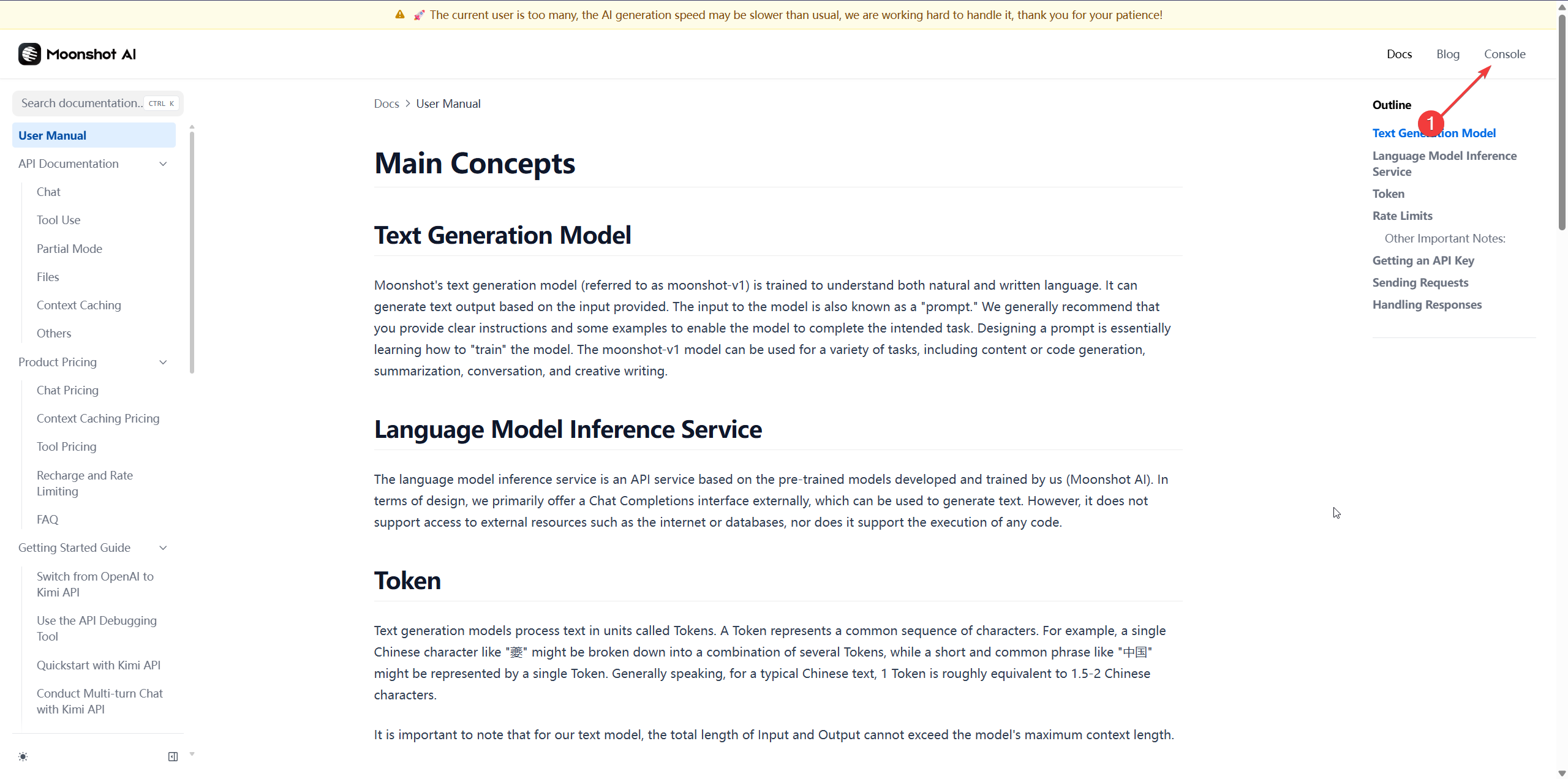
1. Register on the Moonshot AI Platform
go to website: https://platform.moonshot.ai/ , Sign up for a account .
2. Generate API Key
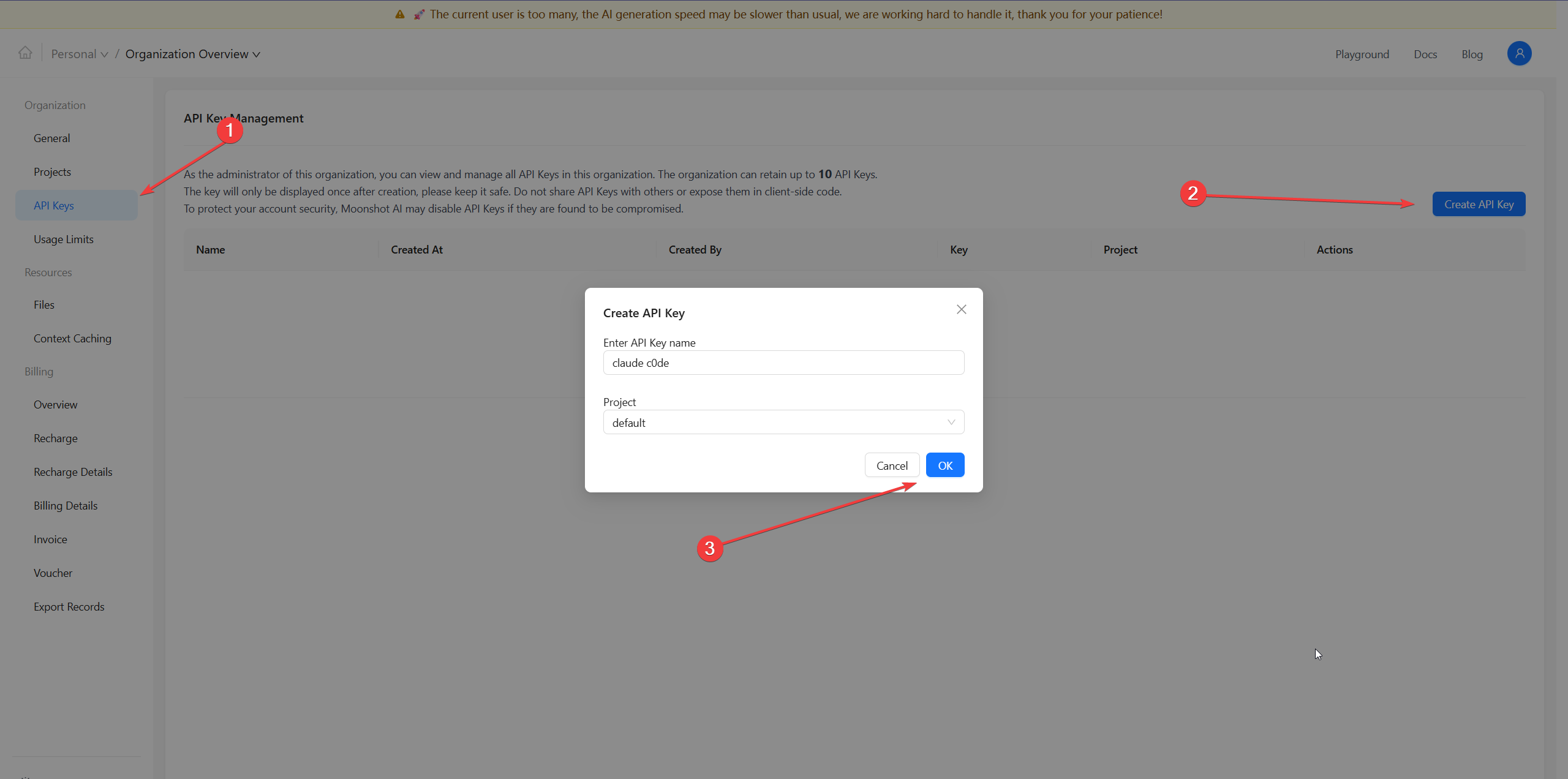
In Moonshot AI dashboard ,find the “API Keys”
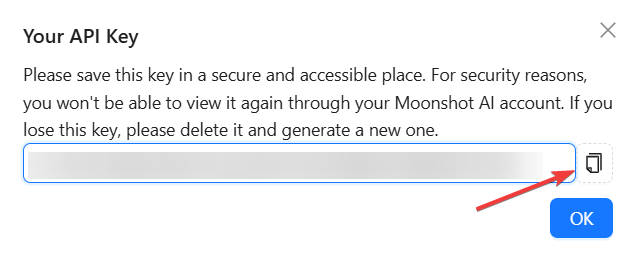
Then create a new key it looks like sk-abc******
Copy and save this key securely,it only show once,you won’t be able to view it again
3. Set Up Your Claude Code Environment Variables
now Claude Code also support windows.
So Just Open your terminal and run:
export ANTHROPIC_AUTH_TOKEN=sk-YOURKEY
export ANTHROPIC_BASE_URL=https://api.moonshot.ai/anthropic
For windows Users:
set ANTHROPIC_AUTH_TOKEN=sk-YOURKEY
set ANTHROPIC_BASE_URL=https://api.moonshot.ai/anthropic
4. Launch Claude Code
Start Claude Code as usual.and you can enjoy Kimi K2 now.
TIPS:
Kimi K2 is opensource ,so you can use other platform’s key,like openrouter.ai ,groq.com